
You can change the color Photoshop uses for the non image area of the document window by simply choosing a new color and then shift + click on the border area with the paintbucket.
Changing the border color is handy if you want to color corrrect against a neutral background (R 128, B 128, G 128) or you wanted to see how the image would look against a white background, etc.
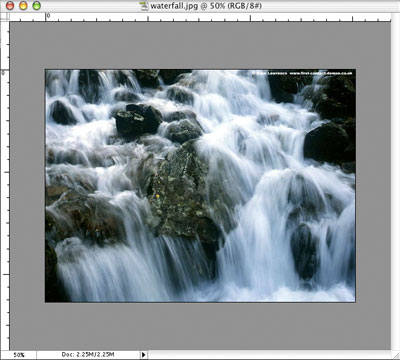
This operation is not undoable so if you want to go back to the default color you need to change your foreground color to R 192, G 192, B 192 and shift + click again with the paint bucket tool.
Easy and cheesy!!