
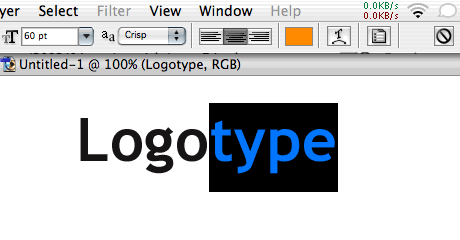
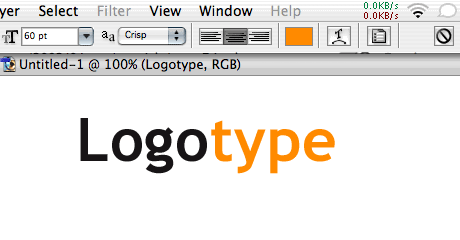
Has it ever happened to you that you couldn’t see the real color of the type while selected because the selection inverted the colors? Just press Apple-H to reveal the real colors. Pressing it again will bring back the selection.
Commenting on this Blog entry is closed.
